Use one sequence as your map: receive the device, disassemble it, keep track of parts, clean or replace what the job requires, then reassemble. If something disappears, check the current work area and boxes before assuming the item is lost.
- ReStory officially centers on disassembling, cleaning, replacing faulty parts, and rebuilding electronics.
- The exact first-day quest sequence is not claimed here without a current-build source.
- First-item and Atari-controller confusion are community-reported, version-sensitive issues.
- Never delete a save or edit files based on an unverified workaround.
If you need a guided path rather than the full answer, open the Repair Assistant and start with the stage visible on your bench.
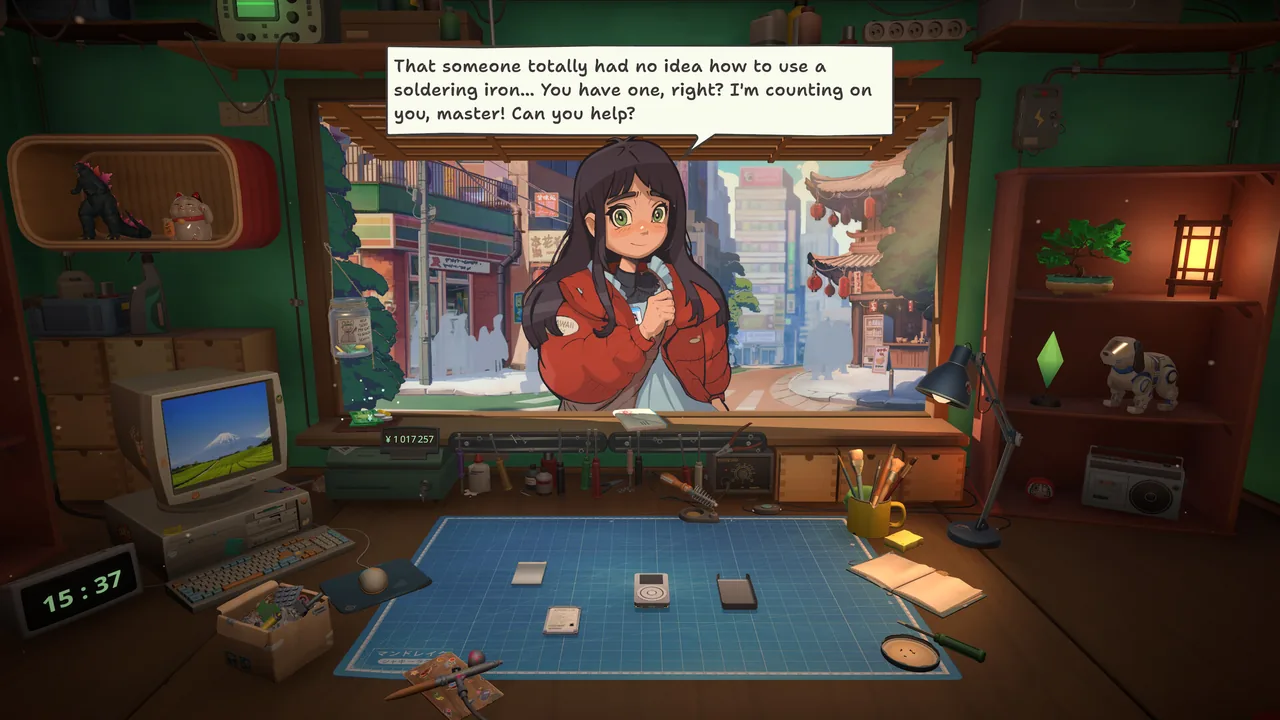
A useful first-job mental model
- 01Receive the device or request
Read what kind of work is being asked for. Customer work, online orders, and inventory purchases can look adjacent but have different outcomes.
- 02Open the device
Remove the outer pieces and screws the current interaction exposes. Track the layer you are working on rather than rushing through clicks.
- 03Handle parts intentionally
Notice whether a component stays on the bench, moves into a tray, or is stored elsewhere. That location is the first place to check when a part seems missing.
- 04Clean or replace
Cleaning is a verified mechanic; faulty components can be replaced. The exact requirement depends on the device and job, so follow the current diagnostic context.
- 05Reassemble
Return components and casing in the available order. Finish the order using the context the game provides.
If the first item will not progress
Use four safe checks:
- Confirm you are operating on the intended part, not the whole device or an inactive layer.
- Check boxes, trays, and inventory locations for the moved item.
- Verify the active tool and input respond elsewhere in the interface.
- If the behavior remains inconsistent, treat it as a possible version-sensitive issue and consult Troubleshooting.
The Atari controller path
Official developer material describes a simplified Atari 2600-style controller assembly with screws, a motherboard, joystick, top and bottom casing, a red button, and power cables. That makes the Atari Controller Repair Guide the right focused record when the controller itself is the point of confusion.
FAQ / QUICK ANSWERS
Questions from the workbench
01What is the first-day goal?
Build a reliable mental model of the repair loop and finish the job in front of you. This guide does not assume an exact quest sequence that may differ by build.
02What if I cannot find a part?
Check the work surface, the current assembly layer, and any box or inventory location before treating it as a bug.
03Should I restart if cleaning does not work?
A restart is not presented here as an official fix. First verify the selected part, active tool, and workflow stage, then consult version-sensitive troubleshooting.
04Is the Atari controller the first repair?
Atari controller confusion appears in first-day community reports, but this guide does not assert a universal current-build quest order.
EVIDENCE LOG
Sources and last checked
- Official game sourceOfficial Steam store page
- Official developer sourceOfficial Steam news and developer logs
- Community report threadFirst Day / Atari Joystick discussion
- Community report threadStuck at First Item / Cleaning discussion
Research pack checked August 9, 2026. Version-sensitive reports are labeled in the article.