Loading repair record…
Core database
ReStory Repair Database
The safe starting point is the shared workflow: disassemble, inspect, clean, replace and rebuild. Device-specific instructions only appear when the evidence supports them.
Advertisement
REPAIR TICKET / TOOL 01
Repair Assistant
Choose the device, locate the stuck stage, then control how much of the answer you reveal.
Full-release source setChecked 2026-08-09
01 / What Are You Repairing?
02 / Repair Stage
03 / Symptom
Advertisement
WORKFLOW / 01
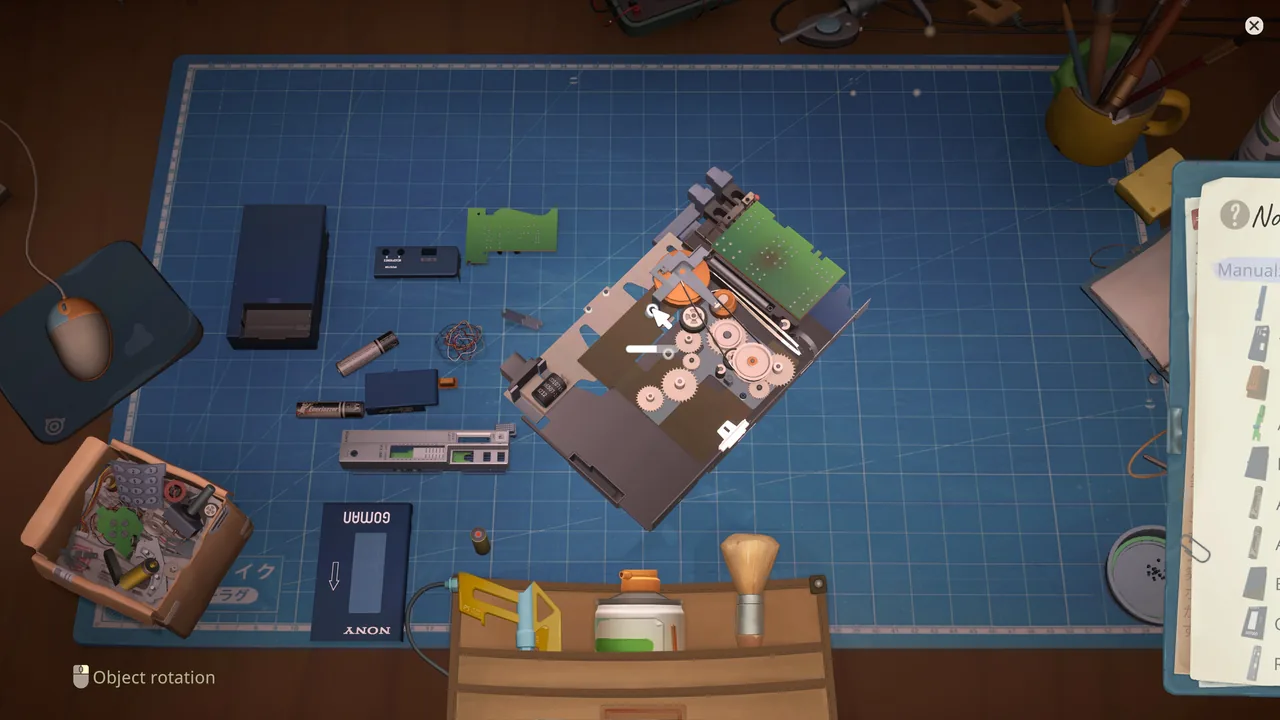
One repair loop, six clear stages
01Receive
02Disassemble
03Inspect
04Clean
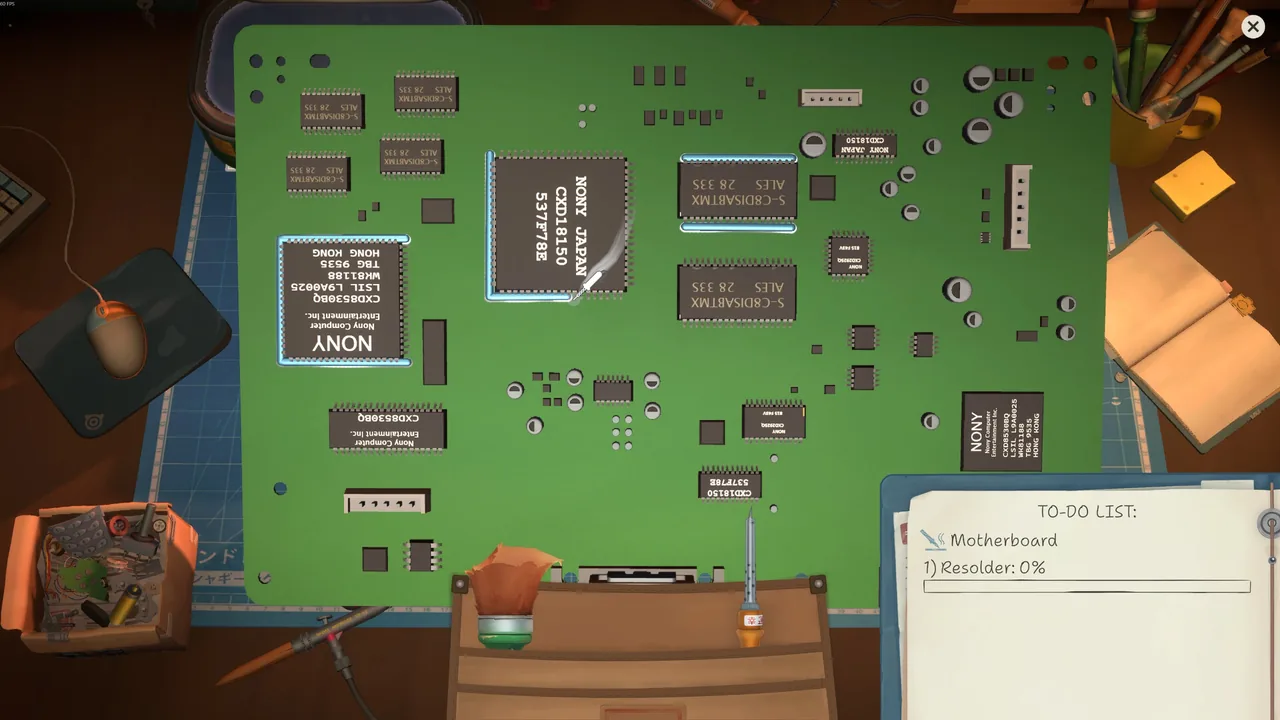
05Replace
06Rebuild
If a part cannot be cleaned, disappears in the sonic bath, or develops the linked cleaning/soldering symptom, check the version-specific cleaning answer before continuing with general troubleshooting.
Advertisement
DATABASE / 02
Choose the record that matches the bench
repairsHow Repairs Work in ReStoryThe official repair loop, shown as a clear six-step workbench flow.repairsHow to Clean Devices in ReStorySeparate the normal cleaning workflow from version-sensitive problems.devicesReStory Spare Parts GuideFind, store and plan replacement parts without assuming every donor purchase is profitable.repairsReStory Atari Controller Repair GuideA source-bounded guide to the licensed Atari controller’s simplified assembly.devicesReStory Device DatabaseOfficial device categories and carefully labeled developer-shown hardware.troubleshootingReStory Troubleshooting GuideSafe checks for community-reported, version-sensitive problems.
Advertisement
FAQ / QUICK ANSWERS
Repair database questions
01What is the ReStory repair loop?
Receive the device, disassemble it, inspect components, clean, replace faulty parts, reassemble, and complete the relevant order or sale.
02Does this database include every device recipe?
No. Launch coverage focuses on verified workflows and the Atari controller rather than fabricating repair steps for unverified devices.
03Where should I go if cleaning does not work?
Use the cleaning guide first, then the troubleshooting guide if selection, stage, location, and input checks do not resolve the problem.
Advertisement
NEXT JOB
Back to the repair bench
Search the database or choose the next guide before you spend more shop cash.