Select the part that needs cleaning and complete the game’s cleaning stage before trying to rebuild the device. If nothing responds, check selection, tool, stage, and input in that order; do not jump straight to a destructive workaround.
- Cleaning is an officially described core repair mechanic.
- A selected part and the correct workflow stage matter.
- “Cleaning not working” is also a current player search problem, so normal use and possible bugs are separated below.
- A restart or save edit is not presented as an official solution.
Open the Repair Assistant to select the cleaning stage and reveal only the amount of troubleshooting help you want.
Normal cleaning workflow
- 01Open the device
Disassemble far enough to expose the component the job wants you to handle.
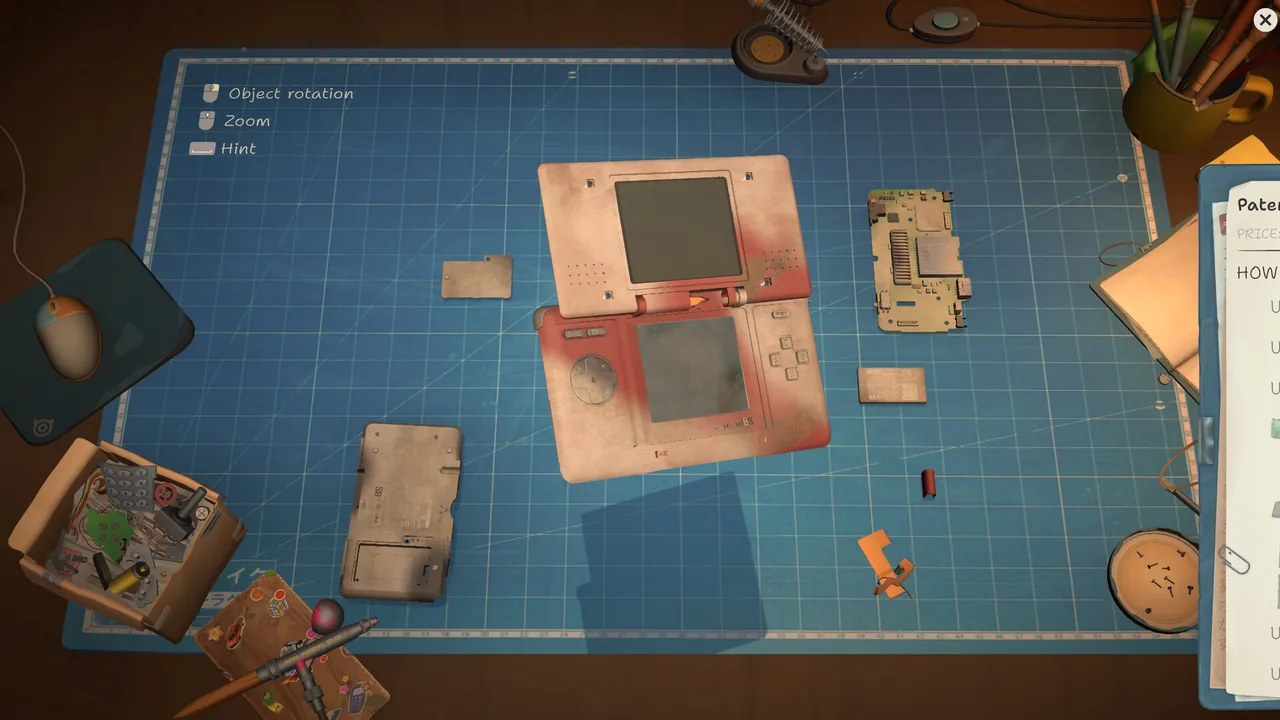
A dirty handheld opened far enough to expose its components.Official Steam screenshot - 02Select the intended part
Make sure the active target is the component, not a different layer, casing piece, or empty work area.
- 03Use the cleaning interaction
Follow the on-screen cleaning control and keep the intended area active.
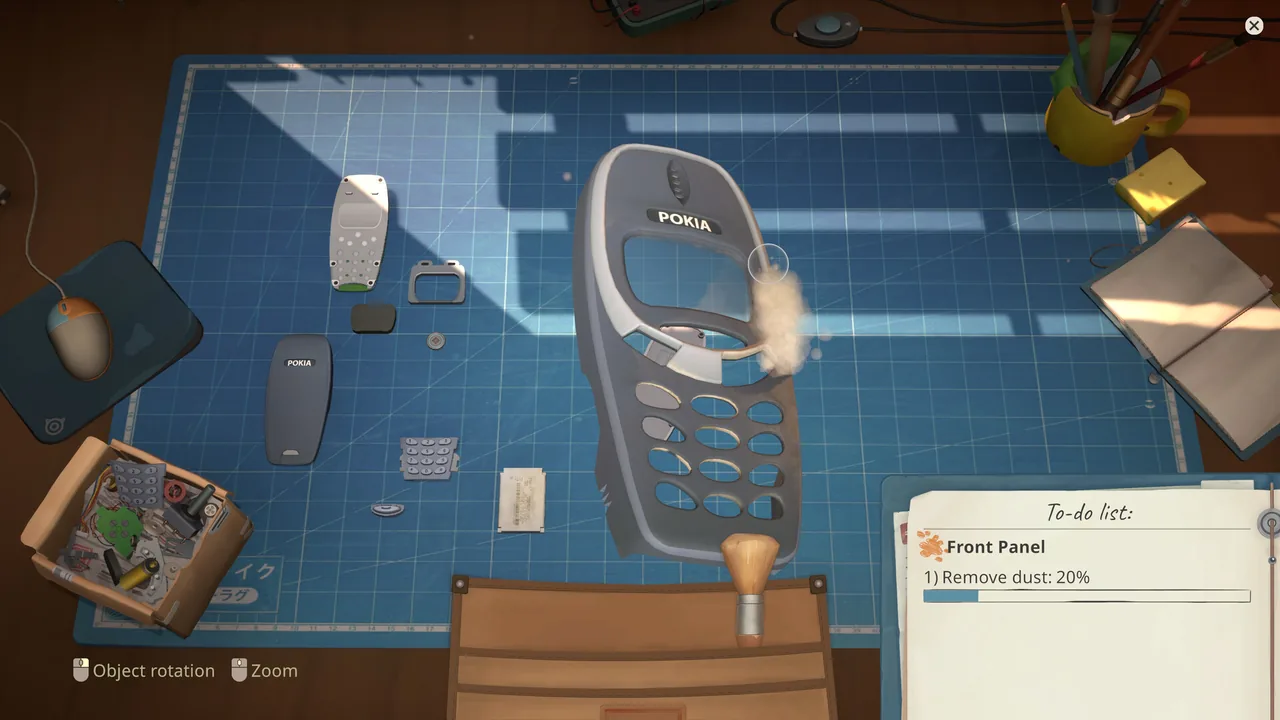
Dust removal on a disassembled phone front panel.Official Steam screenshot - 04Confirm the stage is complete
Look for the interaction’s own completion feedback before moving back to assembly.
- 05Continue the repair
Replace any separate faulty component if required, then reassemble the device.
Cleaning appears not to work
Check these without changing files or deleting progress:
- Re-select the part and verify the highlight or active state follows it.
- Confirm you have entered cleaning rather than assembly or general inspection.
- Test the same input on a harmless interface control to distinguish an input problem from a cleaning problem.
- Check whether the item moved to a box, tray, or inventory location.
- If the interface remains inconsistent, record the current game version and consult the community bug channel.
Which cleaning problems were fixed?
The official notes identify specific symptoms, not a universal fix for every cleaning problem:
- Patch 1.0.011r: the developer reports fixing parts that could not be cleaned. The same note says sonic-bath cleaning now counts toward the related achievement. See the official 1.0.011r announcement.
- Patch 1.0.013r: the developer reports fixing items lost in the sonic bath. See the official 1.0.013r announcement.
- Hotfix 1.0.011.f1r: in a cleaning/soldering discussion about boards becoming dirty or showing gray soldering after cleaning and storage, developer Eugene Kisterev replied that a hotfix had been released and named this version. This is a developer reply in the discussion, not the complete release changelog.
Check the version shown by your installed game before deciding whether one of these reports applies. Updating does not, by itself, guarantee that an item lost earlier will return. If the same symptom persists, keep the save intact, record the build number and exact cleaning sequence, and use the linked discussion or the official Bugs and Technical Issues forum to report it.
First-item cleaning confusion
When this happens on the first job, the missing piece may be workflow, location, input, or a genuine bug. The Stuck on the First Item record separates those possibilities without assuming one cause.
FAQ / QUICK ANSWERS
Questions from the workbench
01How do I clean a part in ReStory?
Enter the cleaning stage, select the intended part, use the available cleaning interaction, and complete it before returning to assembly.
02Why is cleaning not working?
First check the selected part, active tool, and current workflow stage. If a part cannot be cleaned, patch 1.0.011r reports a fix for that specific issue; check your installed version without assuming every cleaning problem has the same cause.
03What if a part disappeared in the sonic bath?
Patch 1.0.013r reports fixing items lost in the sonic bath. Check your installed version and report a continuing symptom with the build number; the patch note does not promise that a previously lost item will be restored.
04Should I restart the game?
Restarting is not stated here as an official fix. Preserve your save and exhaust non-destructive workflow checks first.
05Can every component be cleaned?
This guide does not claim that every part in every device uses the same cleaning interaction. Follow the current device and job state.
EVIDENCE LOG
Sources and last checked
- Official developer patch note · Aug 20, 2026Patch 1.0.011r announcement
- Official developer patch note · Aug 21, 2026Patch 1.0.013r announcement
- Developer reply and community reportsSoldering/Cleaning Bug discussion
- Official developer sourceOfficial Steam news and developer logs
- Community report threadStuck at First Item / Cleaning discussion
- Community reportsBugs and Technical Issues forum
Research pack checked August 9, 2026. Version-sensitive reports are labeled in the article.